Purchase Orders Workflow
Personnel in charge of receiving purchases fill out the Goods or Services Received form.
The form uses master data and the purchase order details to keep track of received goods and services. Goods and services, whether received in their totality or partially, are automatically compared with the expected and previously received amounts.
Accessing the Form
To access the form, designated personnel, do the following:
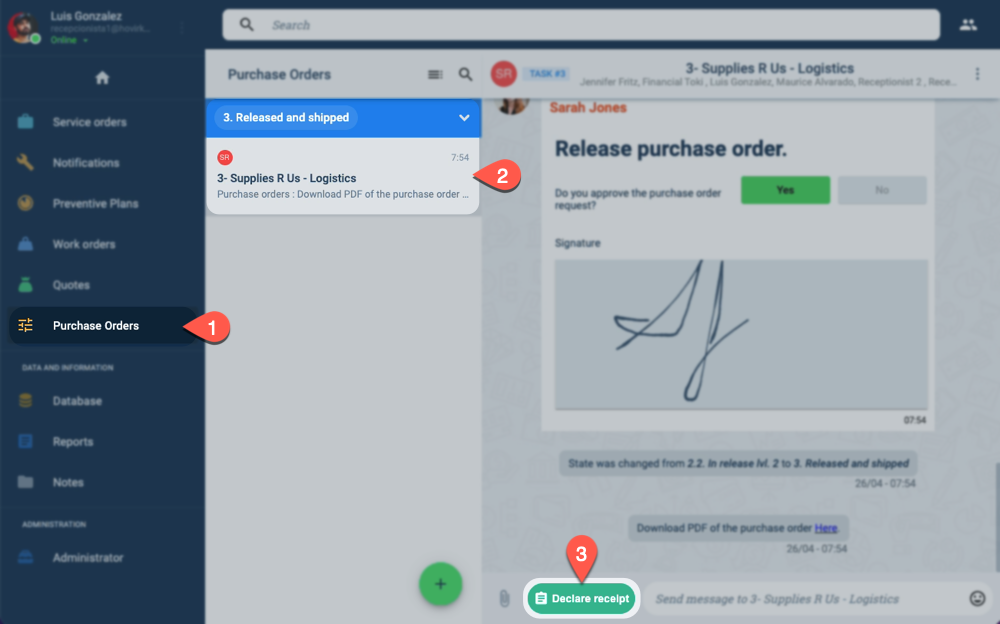
- From the Main Menu Bar, press Purchase Orders.
- Select the corresponding purchase order from the Purchase Orders panel.
- In the channel workspace, press the Declare Receipt button to open the form.
Form Layout
The form used for declaring reception of goods and services is displayed below:
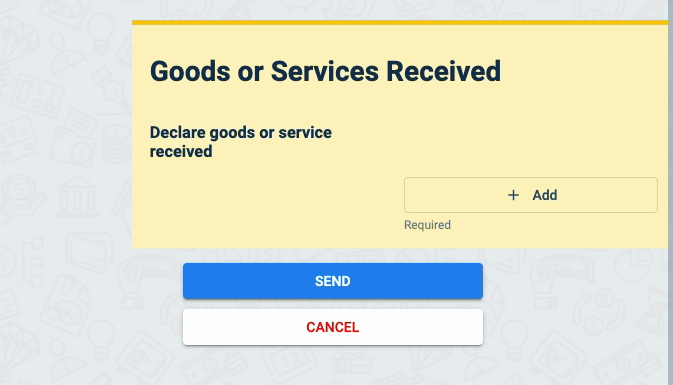
New fields will appear each time you press the + Add button to register each received good or service type.
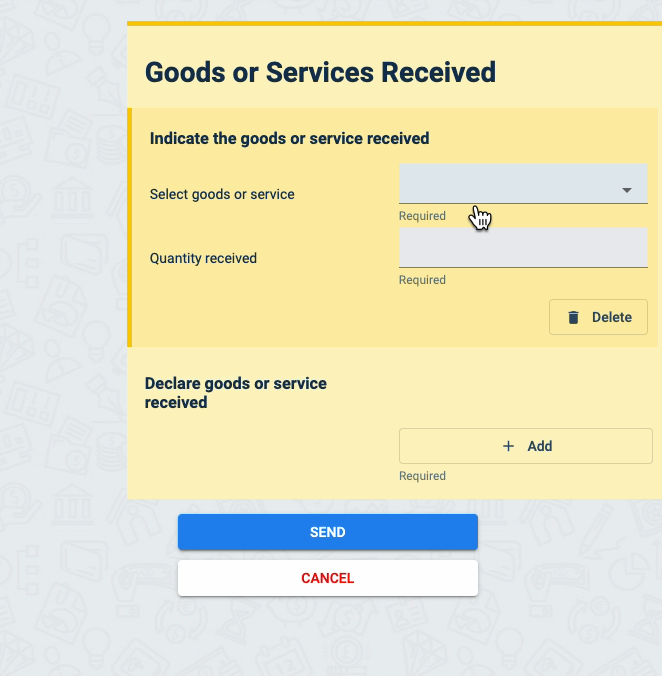
Previously received amounts are displayed when registering receipts:
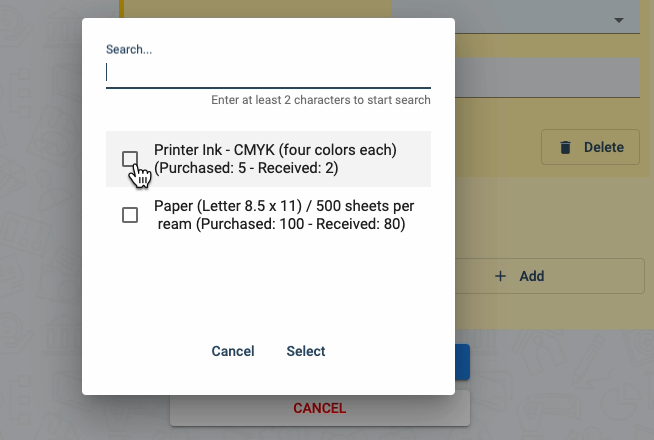
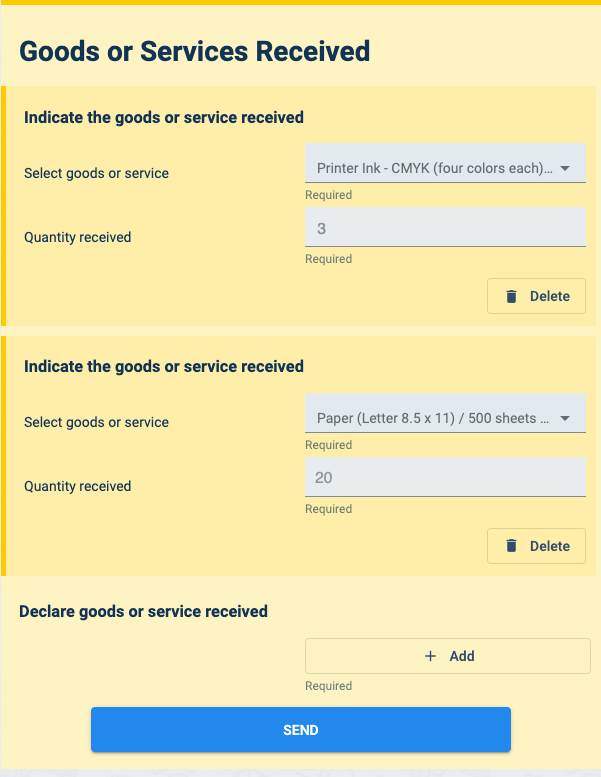
Below is a sample of a form with two registered good types.