Work Orders Workflow
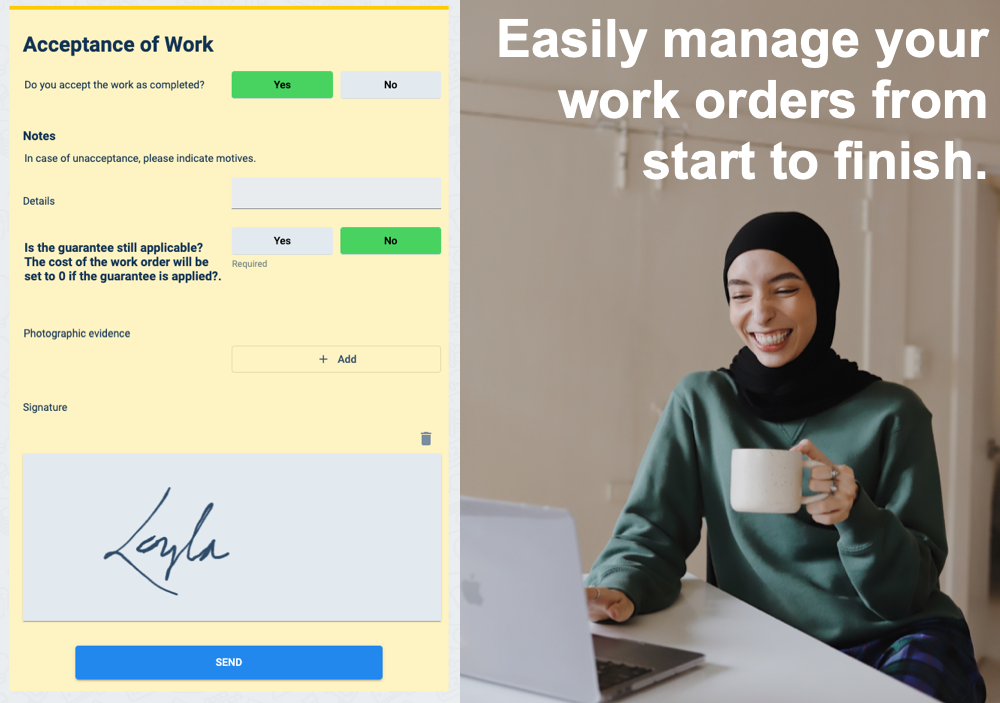
With Cotalker's survey forms, the Work Orders workflow lets you easily manage your work orders from start to finish. Once the work order is created, it is sent to technical teams and contractors, requesting them to fill out a form to accept it or not. If accepted, they can send a quote, exchange information, and close the work order. Once maintenance personnel request to close the work order, a supervisor reviews the completed job. If satisfied, they fill out the Acceptance of Work form, and the work order is officially closed.
note
- When used within the Corrective Maintenance product, supervisors can create work orders upon receiving a maintenance notification.
- Within Preventive Maintenance, work orders are created automatically when programmed maintenance checks come up.
Glossary
- Work Order (WO): An authorized request to complete a maintenance task containing relative information for the job.
- Form: A dynamic survey form generated within the Cotalker platform. It is linked to the company's master data, enabling users to choose failures according to section and equipment.
- Notification: A automatically generated message sent within the corrective maintenance group, where users have access to a workspace to respond to notifications and other messages. Depending on the business or industrial sector, notifications can also be known as alerts or incidents.