Scheduler Section

Overview
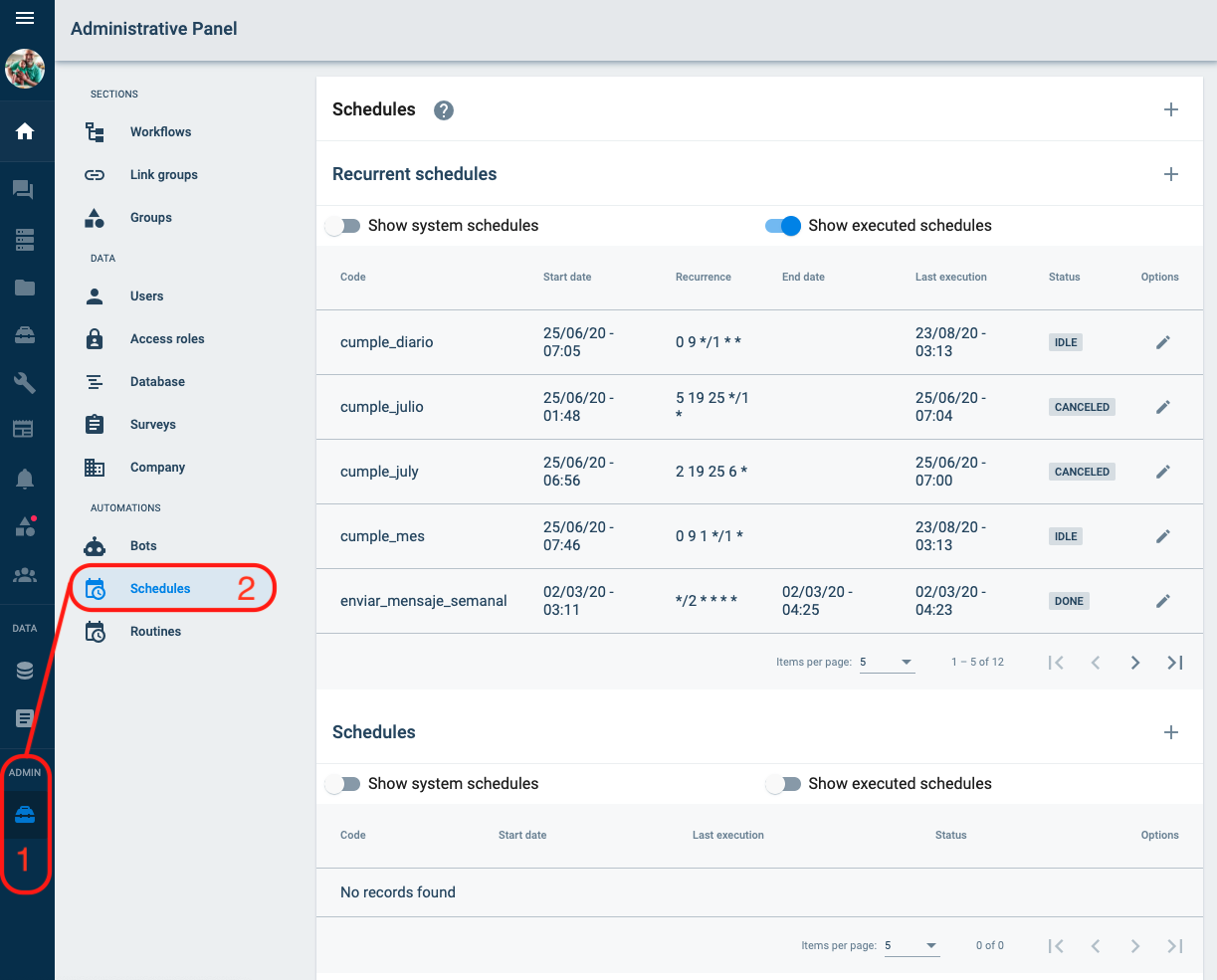
The scheduler is used to configure a routine that runs periodically. For example, a regular company routine might be to send users to-do tasks for the week every Monday. In this section of the _administrative panel_ you can create, search, and check the company's schedules.
All Schedules
In this part, you can find the entire list of schedules that have been created.
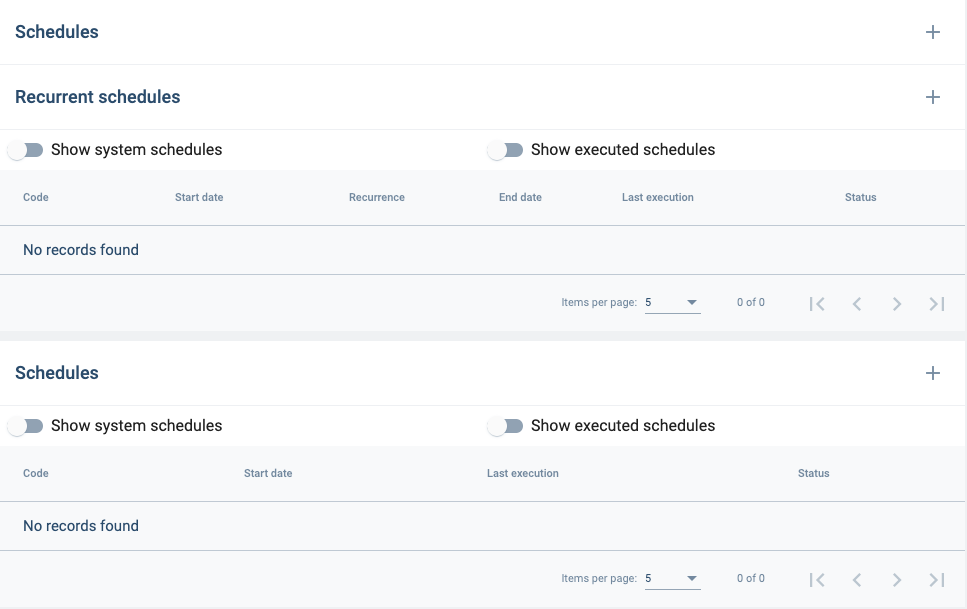
Types of Schedules:
The scheduler list is divided by recurring and non-recurring schedules. And the two filters are:
- Show system schedules: displays the list of the system schedules.
- Show executed schedules: displays the list of the executed schedules.
Schedule information:
The information shown in the list is as follows:
- Code: scheduler code.
- Start date: scheduler start date
- Recurrence: the recurrence is in the written cron format. [Check this link to see the format: https://crontab.guru]
- End time: scheduler end date
The description of the icons are in the Overview section.
Edit / Create Single Group
In this section you can edit or create a single group.
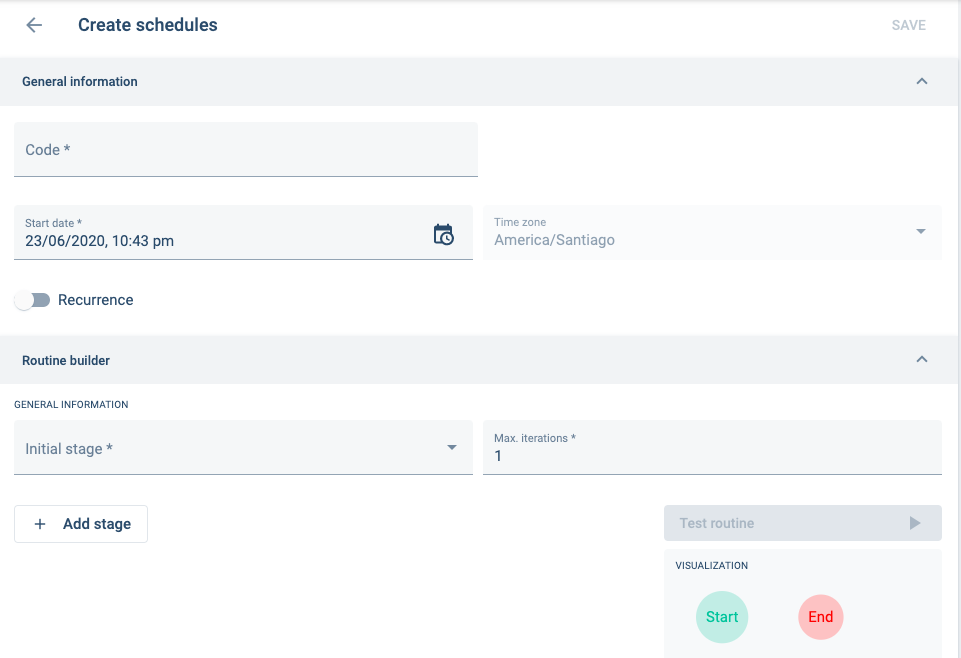
Description of General Information Fields
Code
Description: The identifier of the scheduler
Notes: It only accepts lowercase letters, numbers, underscores, and must start with a letter. Once you create and save the code, you cannot change it.
Start Date
Description: The start date to run the scheduler
Notes:
Time Zone
Description: The default time zone of the company.
Notes: This item is unchangeable.
Recurrence
Description: Add the recurrence to the scheduler. End time and recurrence must be specified.
Notes:
The Routine builder is explained in the Routine Section.