Task Workspace
Overview
Task workspaces are accessible through the task view. Each task workspace allows users to access a task's chat channel and task settings. Through these sections, users associated with a task can communicate, update tasks, and much more.
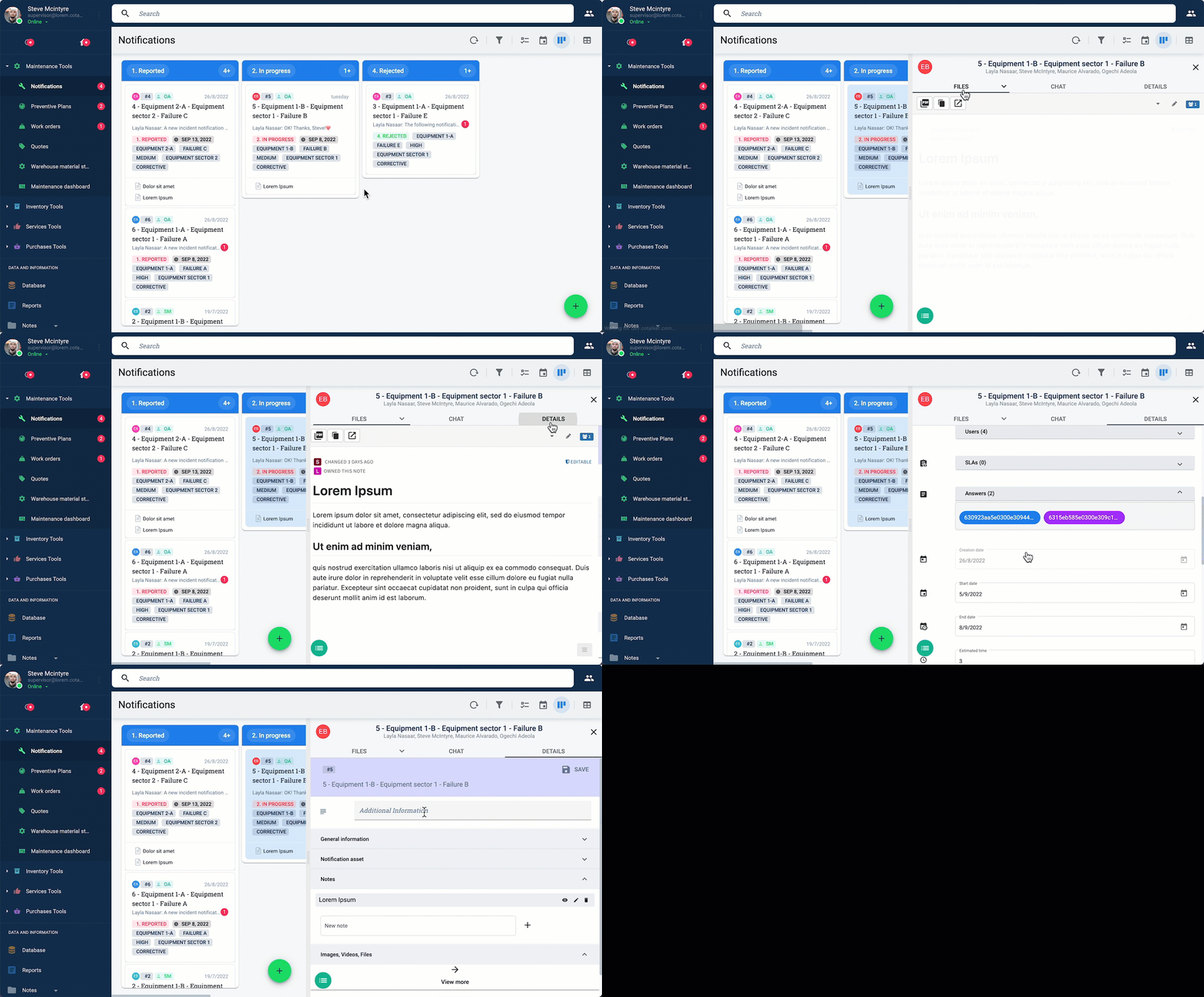
Task workspaces are viewable from list and kanban views. By simply clicking on a task, a side panel opens on the right side of the screen with access to the task's workspace.
Accessing the Task Workspace
When working from task
Below is an example of how the task workspace is accessed:
Task Workspace Layout
Below is a sample of the task workspace layout:
