Service Quotations Workflow
Overview
The service provider receives a notification in the Main Menu Bar of the new request sent by the client. By selecting the Service Quotations workflow from the Main Menu Bar, the service provider can access the channel workspace. Once inside the channel workspace, the quotation request can be viewed, and a form can be filled out to either accept or reject the request.
Accessing the Workspace
To view the request and fill out the acceptance form:
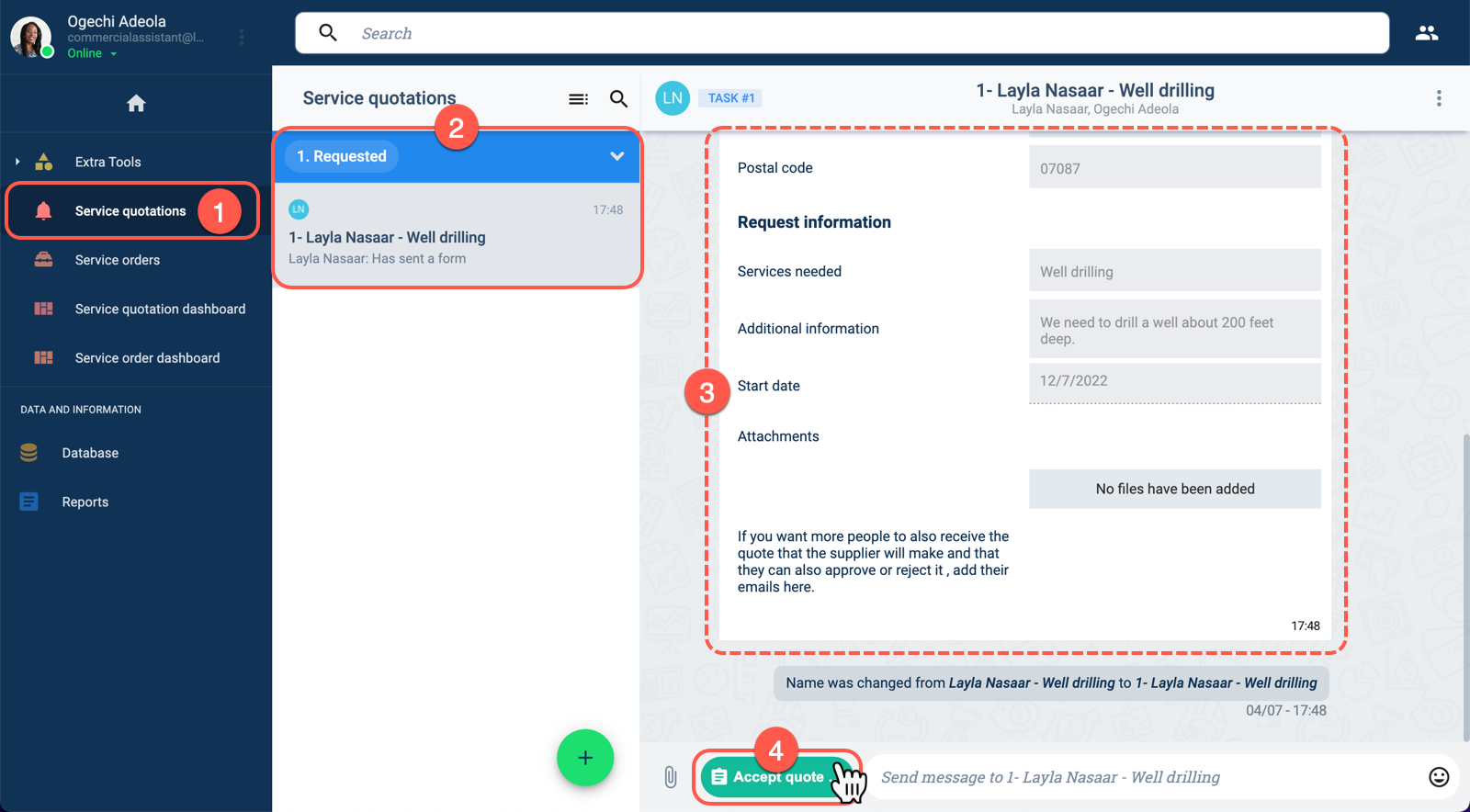
- From the Main Menu Bar, choose Service quotations.
- In the Service quotations group panel, go to the Requested section and choose the request you wish to view to open the channel workspace.
- On the channel workspace, you can view the request sent by the client with all its details.
- At the bottom of the channel workspace, press the Accept quote request button to open the corresponding acceptance form. The form is displayed below.
Layout
The Accept quote request form allows you to accept or reject the request:
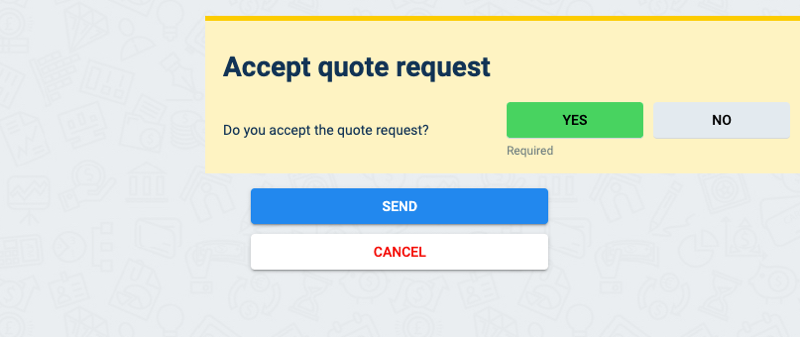
Select Yes to accept the request. After submitting the form, the workflow passes on to the following stage of the workflow.
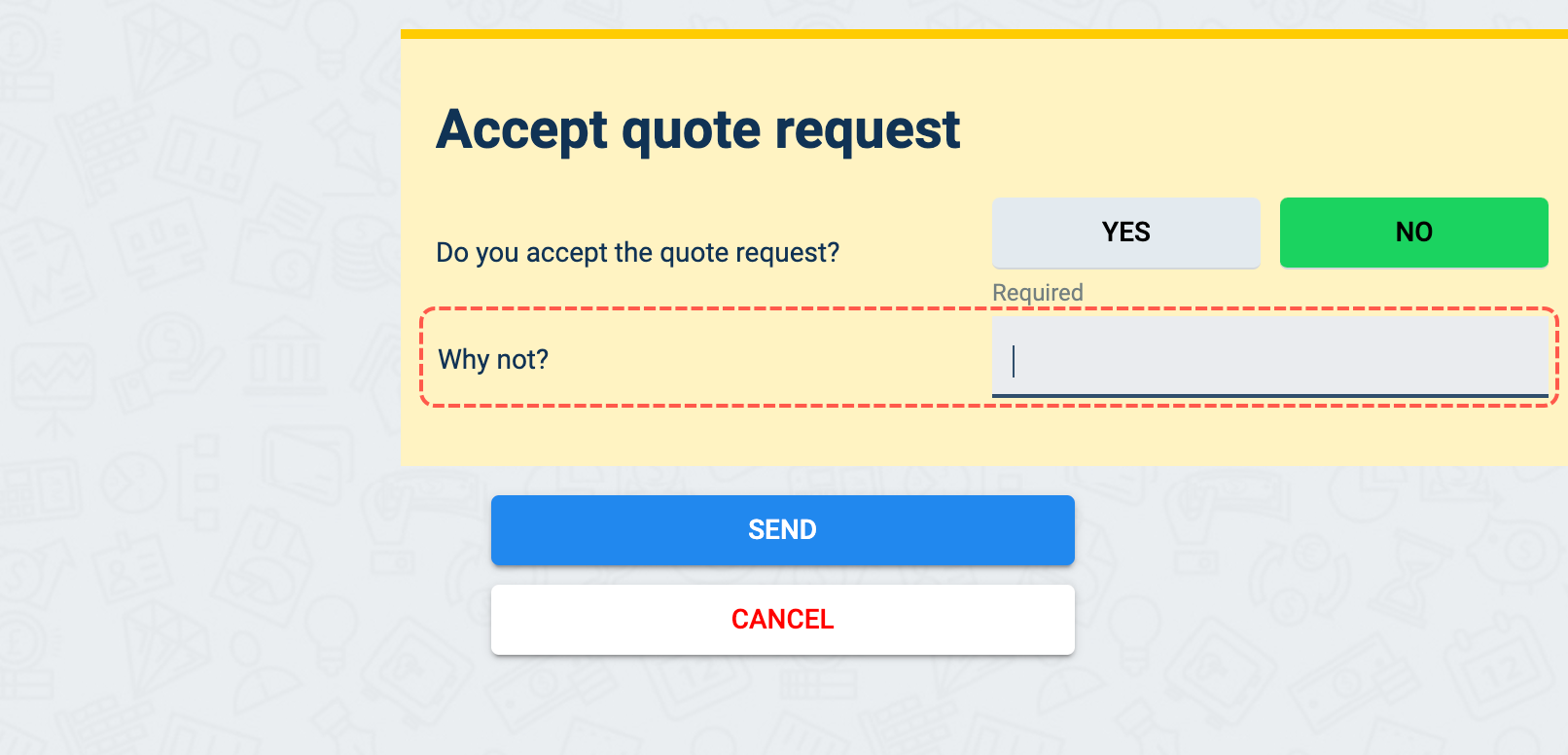
Select No to reject the request. A field will appear on the form asking for an explanation as to why the request was denied. Once the form is submitted, the explanation is inserted into an automatically generated email sent to the client.
In case the request is accepted, the workflow passes on to the next stage where the service provider can create the service quotation.
If the request is denied, then the workflow comes to its end.